Qure Data
Visual programming for audio that opens your Pure Data patches: a C++23 engine that never locks the audio thread, a patch editor drawn on the GPU, and GUI nodes you write in QML.
What it does
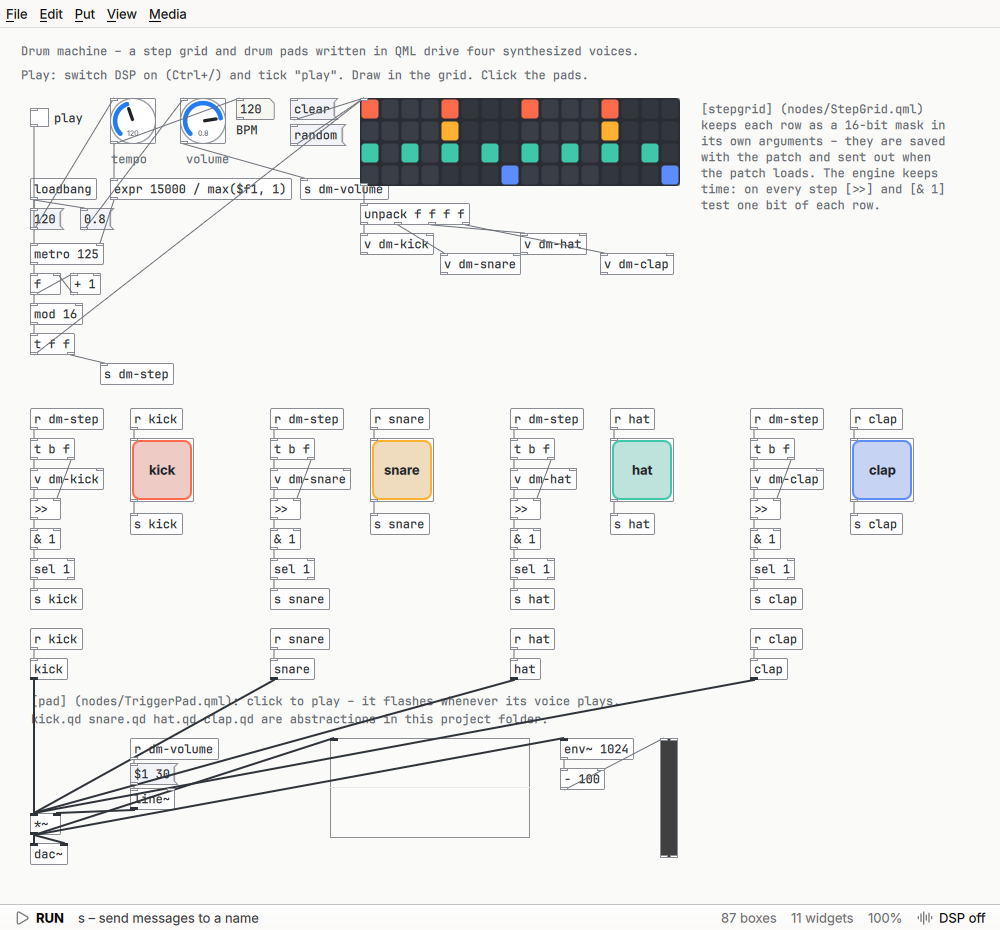
- Saves patches as
.qdfiles in Pd’s own format and opens Pd’s.pdfiles – subpatches, abstractions with$0and arguments, arrays, GUI objects – with about 175 objects of Pd vanilla, fromosc~andvline~toexpr. - Edits are compiled into a plan and swapped in between two audio blocks: changing a patch never blocks or clicks the sound. Subpatch inlets and outlets cost nothing at run time, and signal buffers are reused.
- Boxes and cords are drawn by shaders in a few batched draw calls, so even huge patches pan and zoom smoothly. Pd’s keys work: Ctrl+1 for an object, autopatching, drag from an outlet to connect.
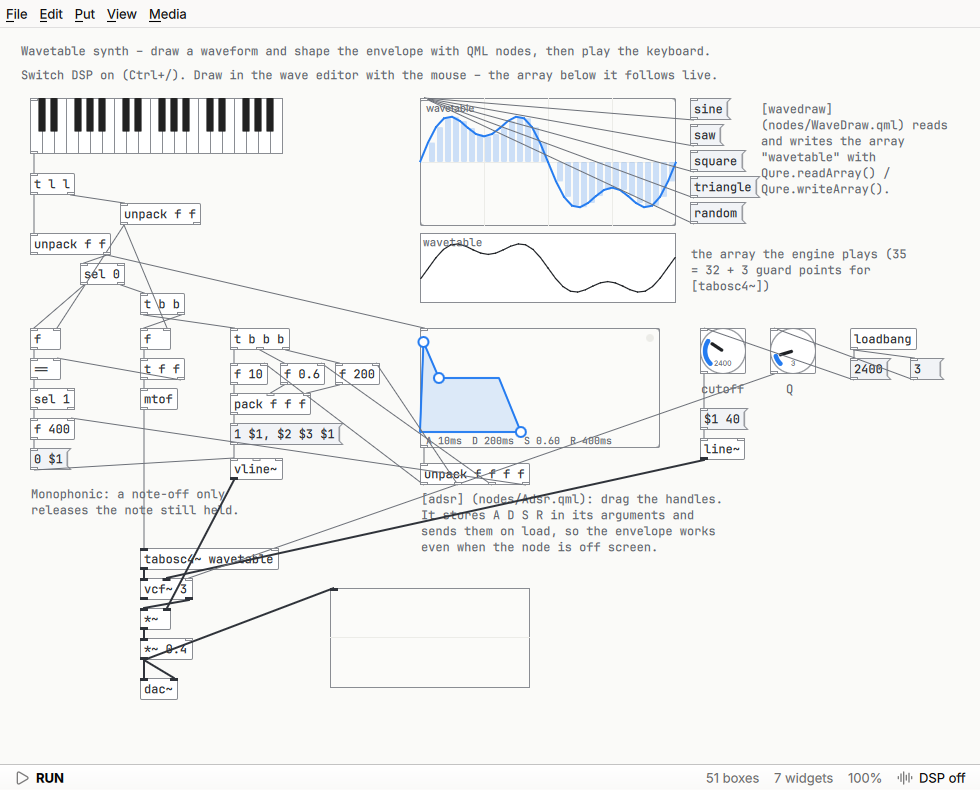
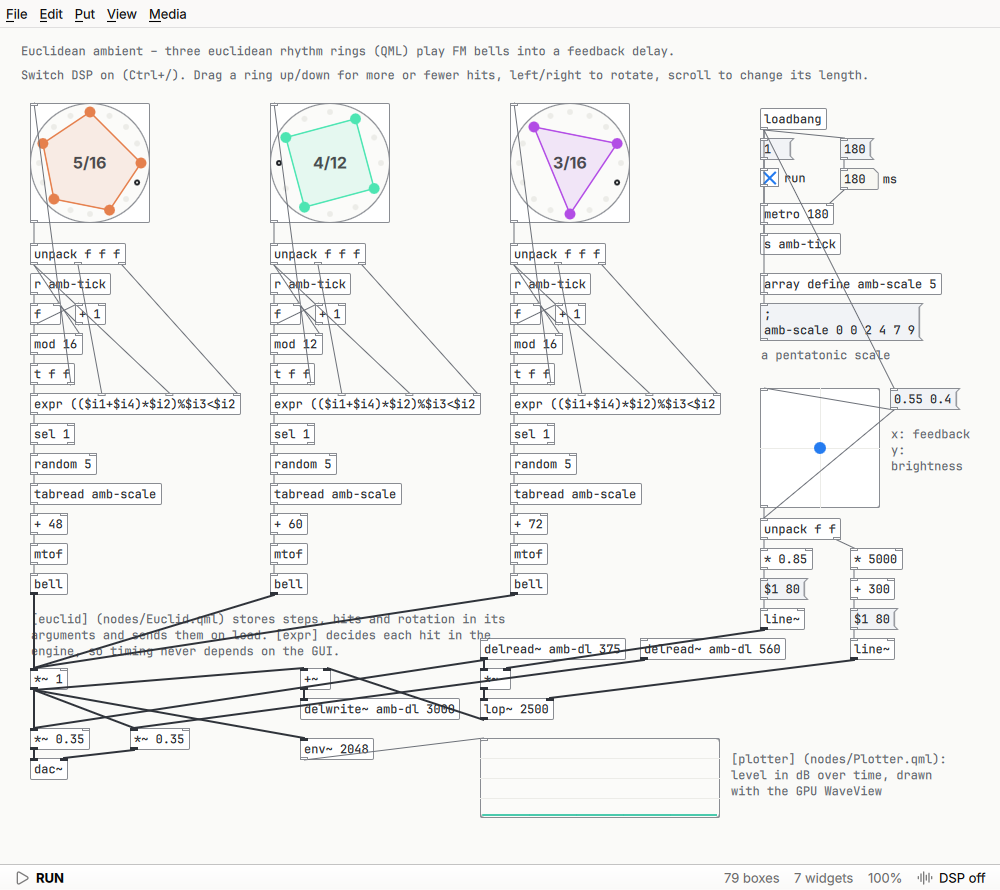
- Every GUI node – slider, toggle, keyboard, scope – is one QML file. A project can bring its own nodes in a
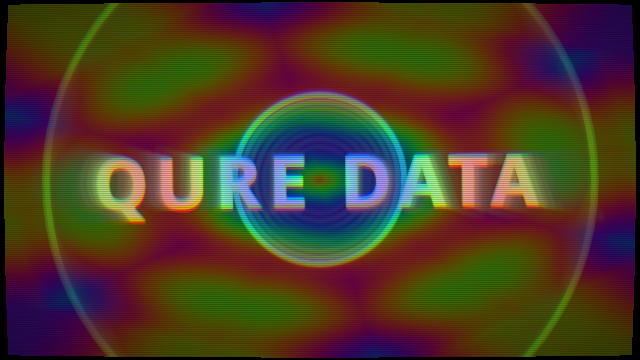
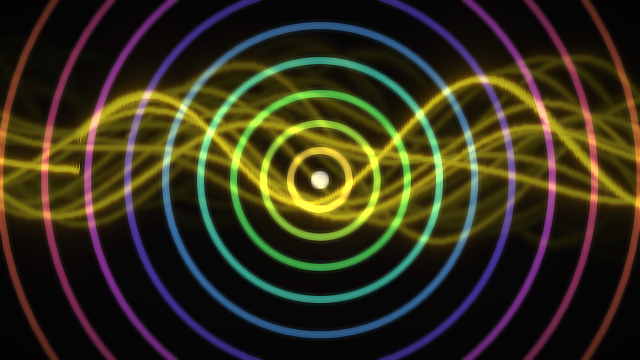
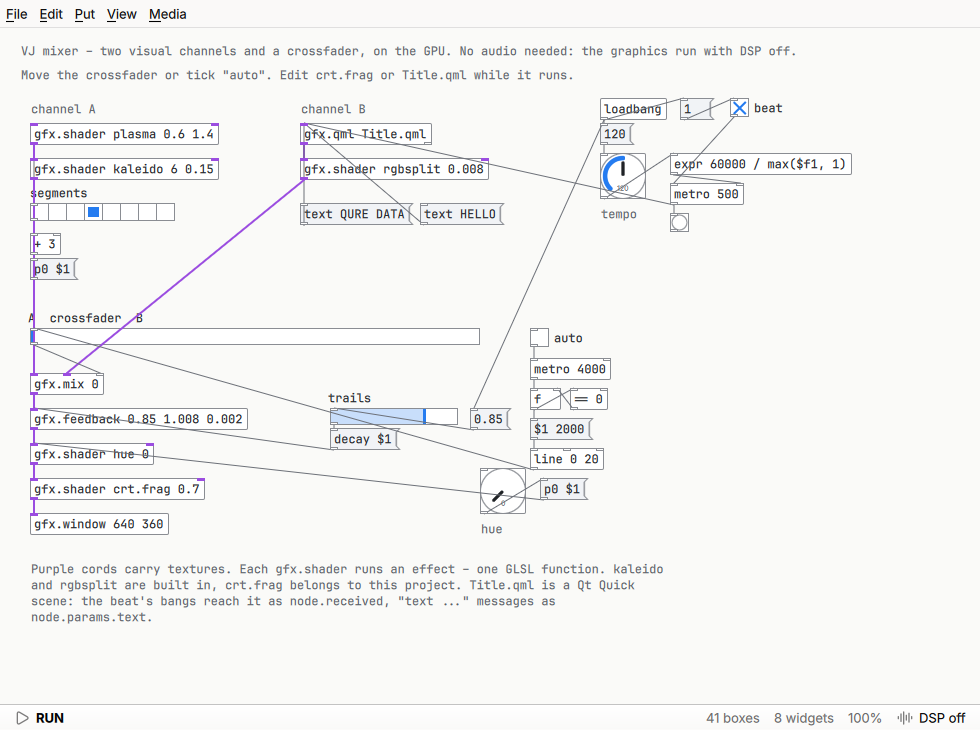
nodes/folder next to the patch, without compiling anything. - Real-time visuals like Jitter or GEM: shaders written as one GLSL function and edited while the patch runs, whole QML scenes as layers, video feedback, and sound as textures – all on the GPU.
- Audio through PipeWire, PulseAudio, JACK or ALSA on Linux, Core Audio on macOS and WASAPI on Windows.
Visuals
The gfx.* objects turn a patch into real-time graphics, like Max’s Jitter or Pd’s GEM.
An effect is one GLSL function, recompiled every time you save it; a whole QML scene is one box.
Debian and Ubuntu
The APT repository brings Qure Data with its own Qt, for Ubuntu 22.04, Debian 12 and newer.
sudo curl -fsSLo /usr/share/keyrings/qure-data-archive-keyring.asc https://iam-peter.github.io/qure-data/key.asc
echo "deb [signed-by=/usr/share/keyrings/qure-data-archive-keyring.asc] https://iam-peter.github.io/qure-data/apt stable main" | sudo tee /etc/apt/sources.list.d/qure-data.list
sudo apt update && sudo apt install qure-data
The repository is signed with the key
9810 7265 8504 FEAB 1F08 D916 3958 AB85 EBE5 91B0.
Other systems
Each release has an AppImage for any Linux, a zip for Windows and a disk image for macOS. The macOS app isn't signed: open it with a right click and Open the first time, and allow it to use the microphone when macOS asks.